Customized Drill
Typathon will get you Personalized typing drills with custom difficulty levels, stories and timings to enhance your typing speed quickly.
Created on: 3rd Jan 2026
Category: Features
Introduction
Typathon offers personalized typing drills with custom difficulty levels, stories, and timings to help you enhance your typing speed and accuracy quickly.
What Makes Typathon Customized
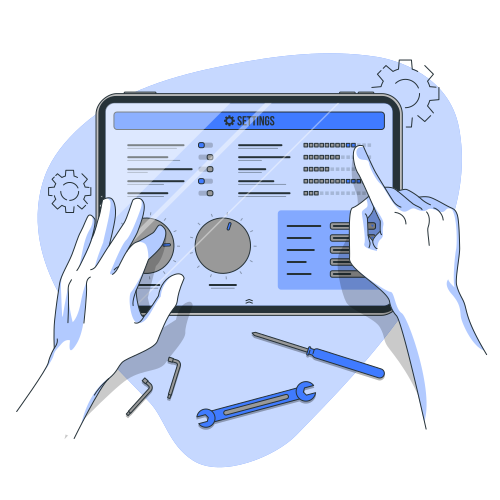
The app adapts to your level and rank, providing story-based practice sessions that match your progress. You can even set options like word highlighting and backspace control (true or false), making every drill tailored to your needs.
Key Features
- Custom Difficulty: Choose levels that match your typing ability.
- Playground: Go to the Playground or the Practice section.
- Story Practice: Engaging stories or levels designed for different ranks.
- Word Highlighting: Focus on the right word at the right time.
- Backspace Control: Enable or disable backspace for stricter practice.
- Rank-Based Practice: Sessions evolve as your rank improves.
How It Helps
With Typathon's customized drills, you build speed and accuracy faster, while preparing for real-world tasks like exams, office work, and professional typing jobs.
Get Started
- Sign in to your Typathon account.
- Go to the Playground or Practice.
- Select your difficulty level and rank.
- Choose a story/level practice session.
- Set preferences for highlighting and backspace.
- Start typing and track your progress.
Join Typathon today and experience personalized typing practice that makes you job-ready.
Typathon: Your Trusted Partner in Typing Excellence
Comments are currently closed.